
TACHYN LABS
Camera adapters for SBCs
Plug a Raspberry Pi camera into Orange Pi 5 or Radxa boards.
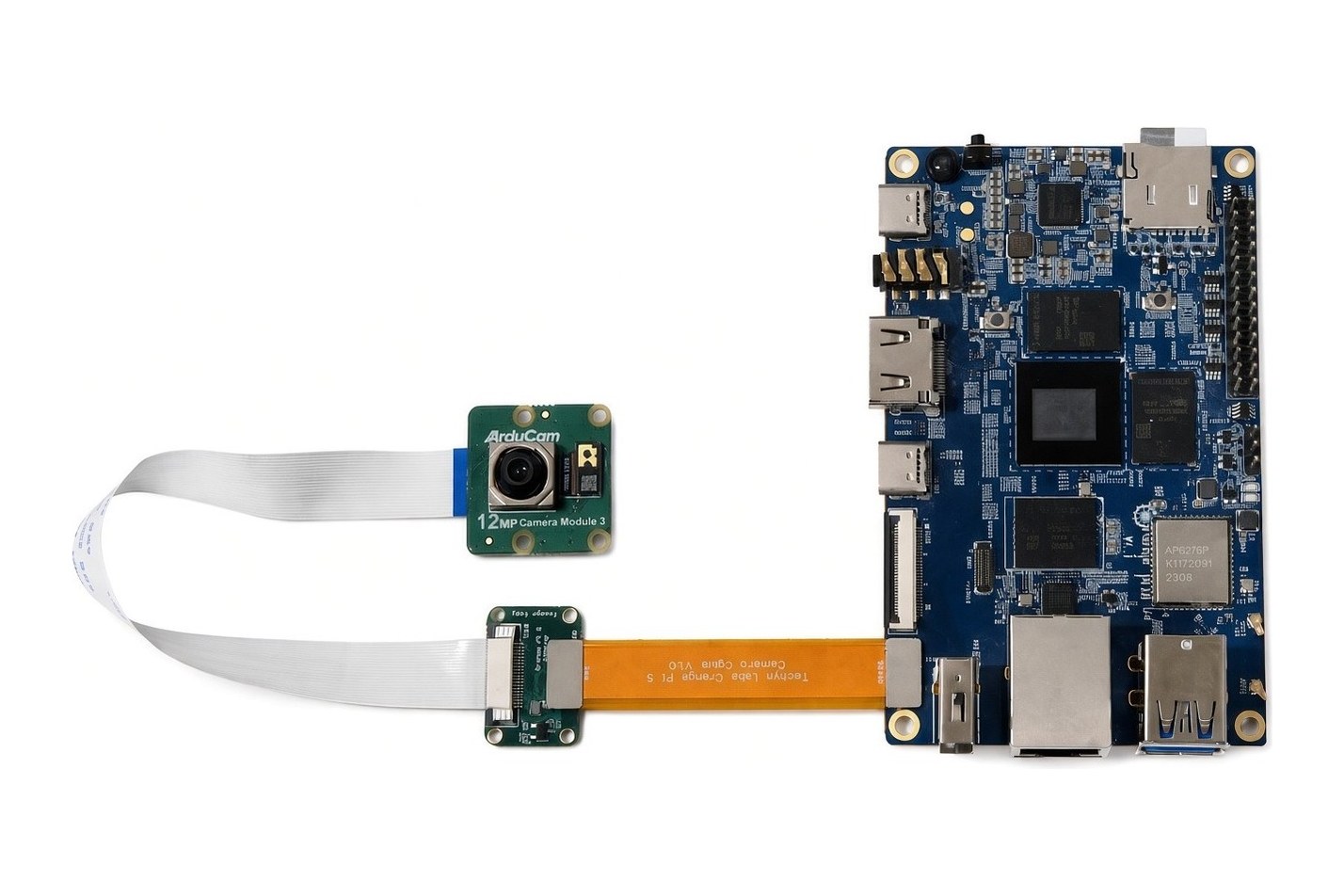
Ready to ship
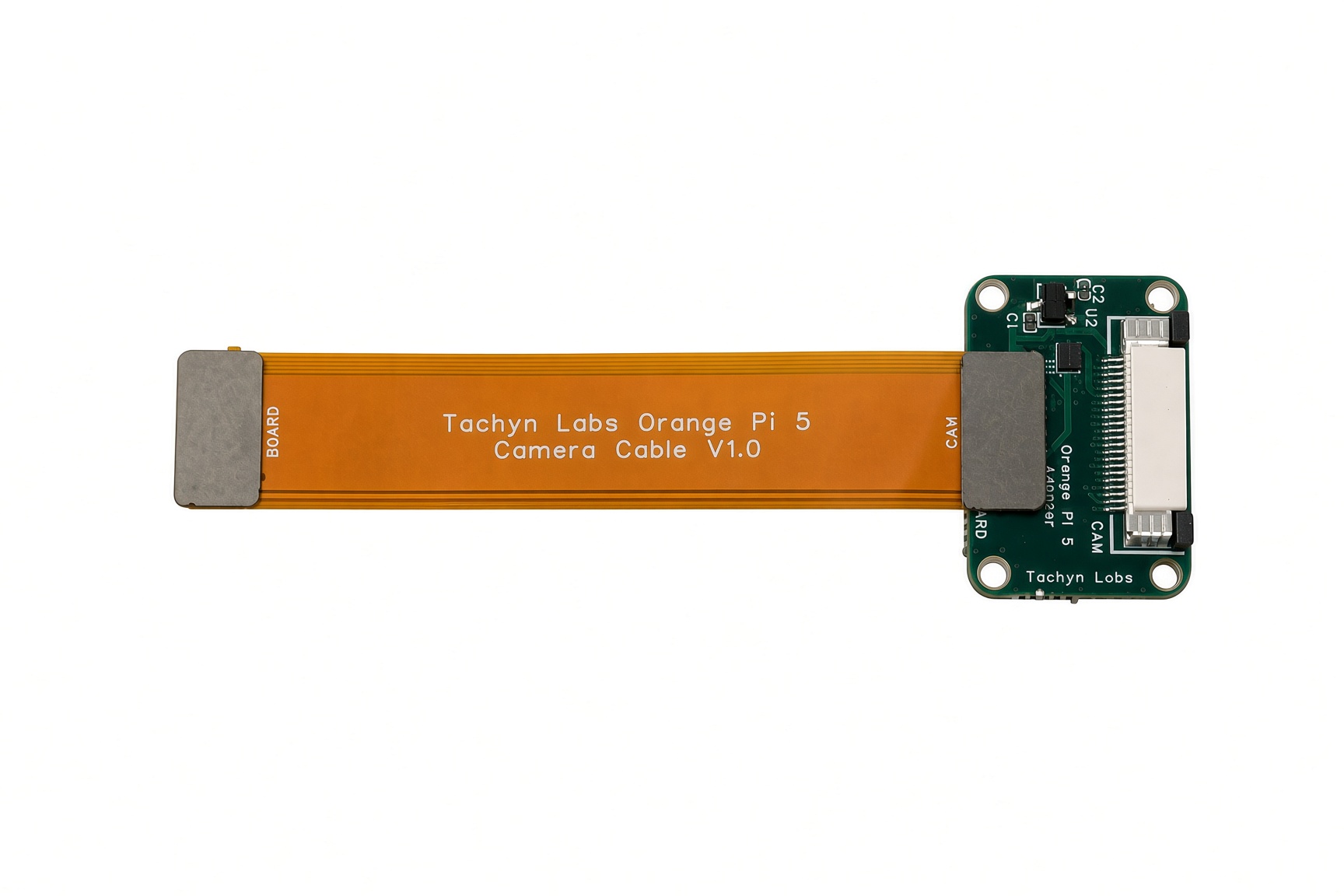
Orange Pi 5 Camera Adapter
$15
Remaps Orange Pi 5 CSI so a 22-pin Raspberry Pi camera cable works. Camera Adapter Board + Orange Pi 5 FPC Cable included. You supply a 22-to-22 or 22-to-15 pin camera cable, depending on your camera.
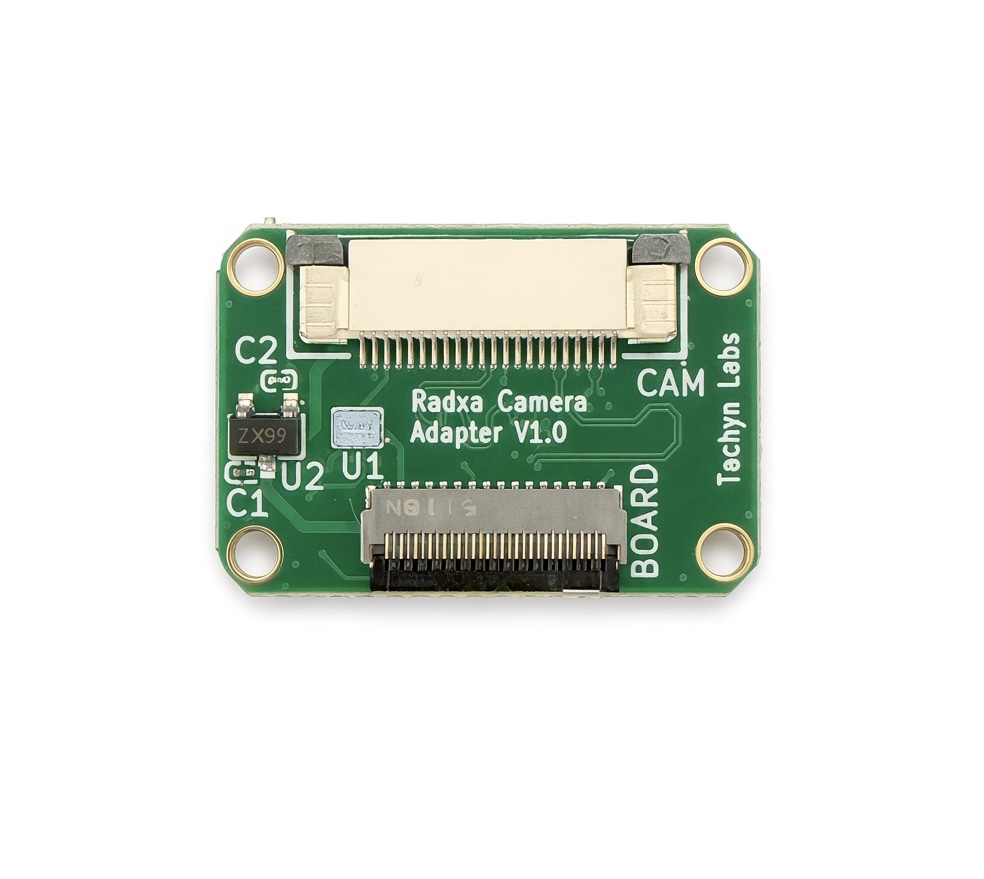
Radxa Camera Adapter (Rock 5 / Dragon / Cubie)
$15
Remaps Radxa CSI so a 22-pin Raspberry Pi camera cable works on Rock 5 series, Rock 4D, CM4 and CM5 IO, NIO 12L, Dragon Q6A and Cubie boards (CAM1 only on CM5 IO and Dragon Q6A, CAM3 only on CM4 IO). Camera Adapter Board + Radxa FPC Cable included. You supply a 22-to-22 or 22-to-15 pin camera cable, depending on your camera.
The problem
Raspberry Pi cameras use a 15-pin or 22-pin FPC that doesn’t fit the camera port on an Orange Pi 5 or a Radxa board. Those boards use their own camera connectors with a different pinout, and their I2C runs at 1.8V — Pi cameras use 3.3V I2C. Plug one in directly and, best case, nothing happens. Worst case, you damage something.
What we ship
Two adapters, one for Orange Pi 5 boards and one for Radxa boards. Each Camera Adapter Board remaps the pinout and level-shifts I2C so a Raspberry Pi camera can talk to the board’s CSI connector correctly. The board’s FPC cable is included. $15 each. No soldering.
What’s in the box
- Adapter PCB
- The board’s FPC cable (Orange Pi 5 FPC Cable or Radxa FPC Cable)
- You supply your camera and a camera FPC: 22-pin to 22-pin, or 22-pin to 15-pin for 15-pin cameras (official Pi Camera v1, v2 and Camera Module 3).
Compatibility, honestly
We tested this ourselves rather than assuming it works across the board. Orange Pi 5 adapter:
- OV5647 (Pi Camera v1) and IMX219 (Pi Camera v2) — tested and working.
- IMX519 (Arducam 16MP, B0371) — tested and working.
- IMX415 (Arducam 8MP, B0569) — tested and working.
- IMX708: Camera Module 3 and Arducam B031 — tested and working.
- IMX477 (HQ Camera) — tested and working.
Radxa adapter: boards tested so far: Rock 5B+. The other supported Radxa boards are electrically compatible but not yet tested. The same cameras are supported on both adapters.
Full sensor/OS breakdown on the Compatibility page.
Setting it up
Getting a picture out of this depends on your OS and kernel, not just the adapter. The setup guide covers flashing our Tachyn Labs Ubuntu image and turning on your camera on Orange Pi 5 and Radxa ROCK 5 boards. How to connect each adapter: Orange Pi 5 and Radxa.
Ready to order? Buy the Orange Pi 5 adapter or Buy the Radxa adapter
How it works
1
Hardware remap
Pinout adapter, no soldering.
2
Your cameras
Raspberry Pi cameras and other Pi-style CSI modules. Tested cameras for each board are listed on the Compatibility page. You supply a 22-to-22 or 22-to-15 pin camera cable, depending on your camera.
Your board → the board’s FPC cable (included) → Tachyn adapter → 22-pin or 22-to-15 pin FPC (yours) → camera
Exploring an Orange Pi 5 camera setup? Compare native modules and Raspberry Pi cameras with an adapter in our Orange Pi 5 camera options guide.