
Orange Pi 5 Camera Adapter
$15.00
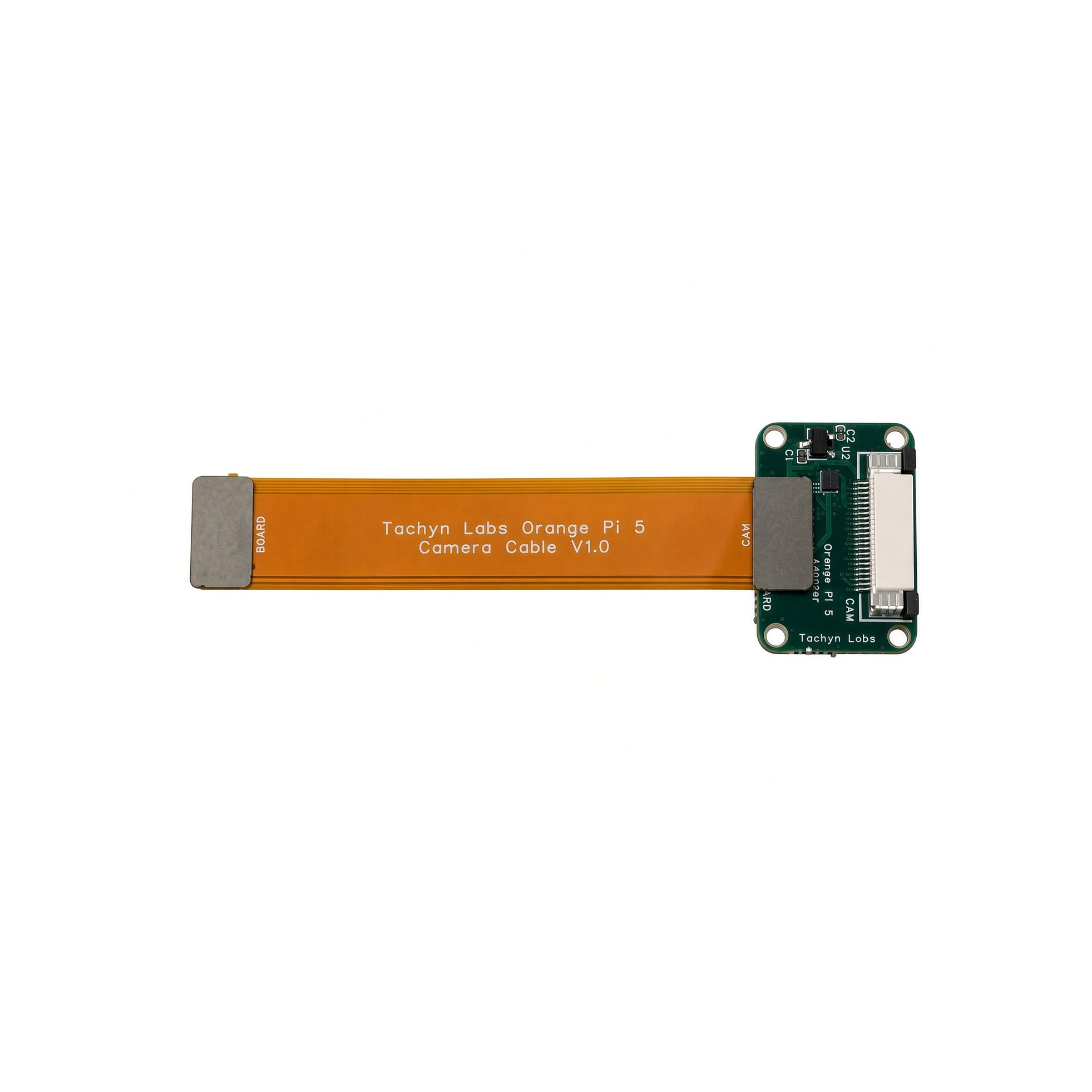
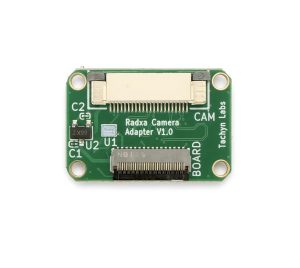
Tachyn Labs adapter runs Raspberry Pi cameras (v1, v2, Camera Module 3, IMX519) on Orange Pi 5, 5B, 5 Plus, 5 Max and 5 Pro. Orange Pi 5 FPC cable included. You supply a 22-to-22 or 22-to-15 pin camera cable, depending on your camera.
Why you need this adapter
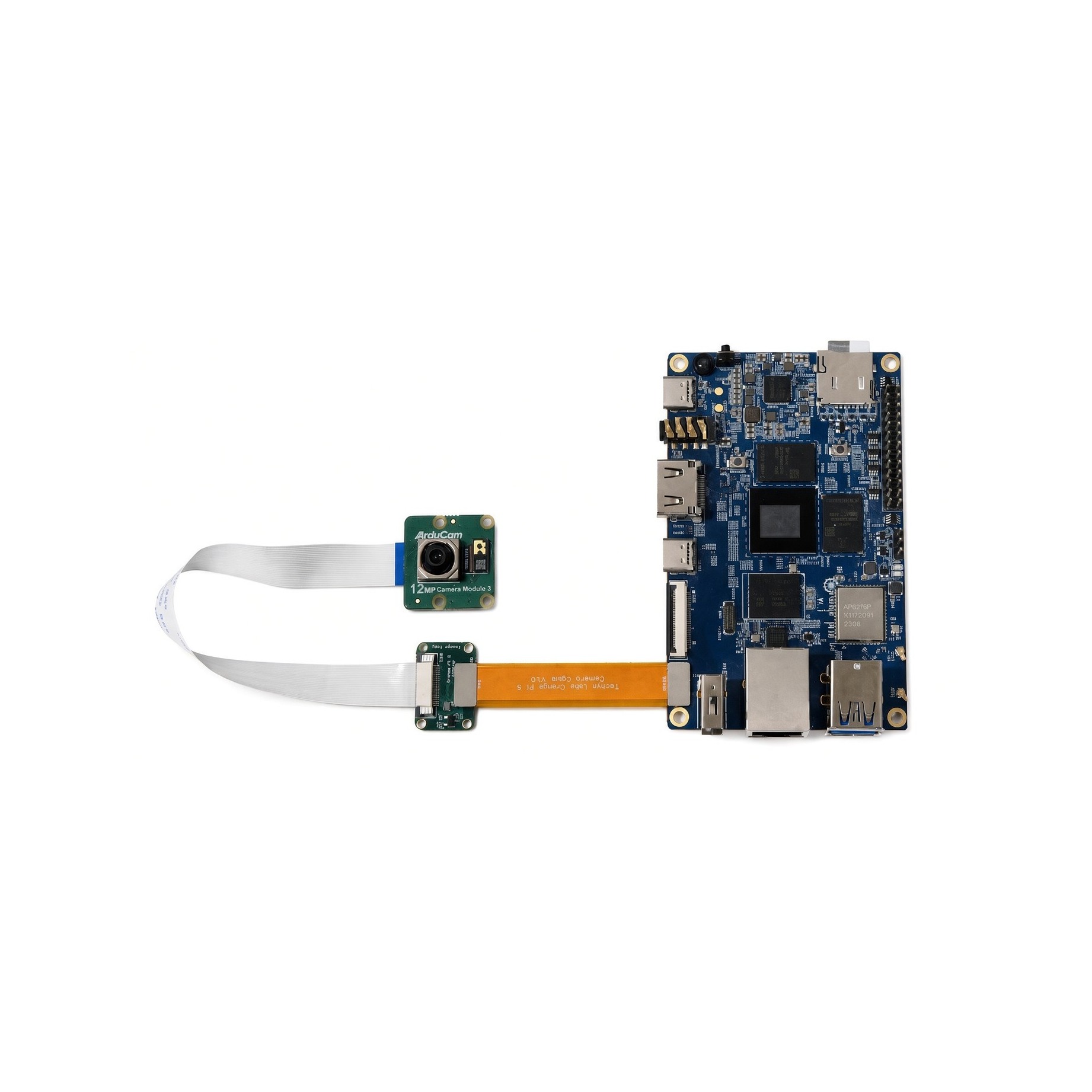
Orange Pi 5 boards use a different CSI connector pinout than the Raspberry Pi, so Raspberry Pi camera modules cannot plug in directly. This adapter remaps the connector so a 22-pin Raspberry Pi camera cable works. The adapter camera connector is 22-pin. You supply your camera and a camera FPC: 22-pin to 22-pin, or 22-pin to 15-pin for 15-pin cameras (official Pi Camera v1, v2 and Camera Module 3). It also level-shifts I2C (Orange Pi 1.8V vs Pi 3.3V).
Key features
- Hardware adapter + included FPC cable. No soldering.
- 4-lane MIPI CSI-2, tested up to 2.3 Gbps per lane on all 4 lanes.
- Hardware is plug-and-play. Software is not: you pick your camera in one config file on our Tachyn Labs Ubuntu image. See the setup guide and Compatibility page.
Compatible boards (in stock SKU)
Orange Pi 5, 5B, 5 Plus, 5 Max, 5 Pro. 5 Ultra is not listed until the mezzanine is checked. AI Pro, RV2, 4A, and 6-series are not listed until bench-checked.
Cameras (status)
- OV5647 (Pi Cam v1) and IMX219 (Pi Cam v2): tested.
- IMX708 (Pi Cam v3 and Arducam B031): tested.
- IMX477 (HQ): tested.
- IMX296 (Global Shutter): unconfirmed.
- IMX519 (Arducam 16MP, B0371): tested.
- IMX415 (Arducam 8MP, B0569): tested.
- You supply your camera and a camera FPC: 22-pin to 22-pin, or 22-pin to 15-pin for 15-pin cameras (official Pi Camera v1, v2 and Camera Module 3).
Software: our Tachyn Labs Ubuntu image (Downloads page) includes the camera drivers, overlays and libcamera. Connection steps: Connecting the Orange Pi 5 Camera Adapter.
What’s in the box
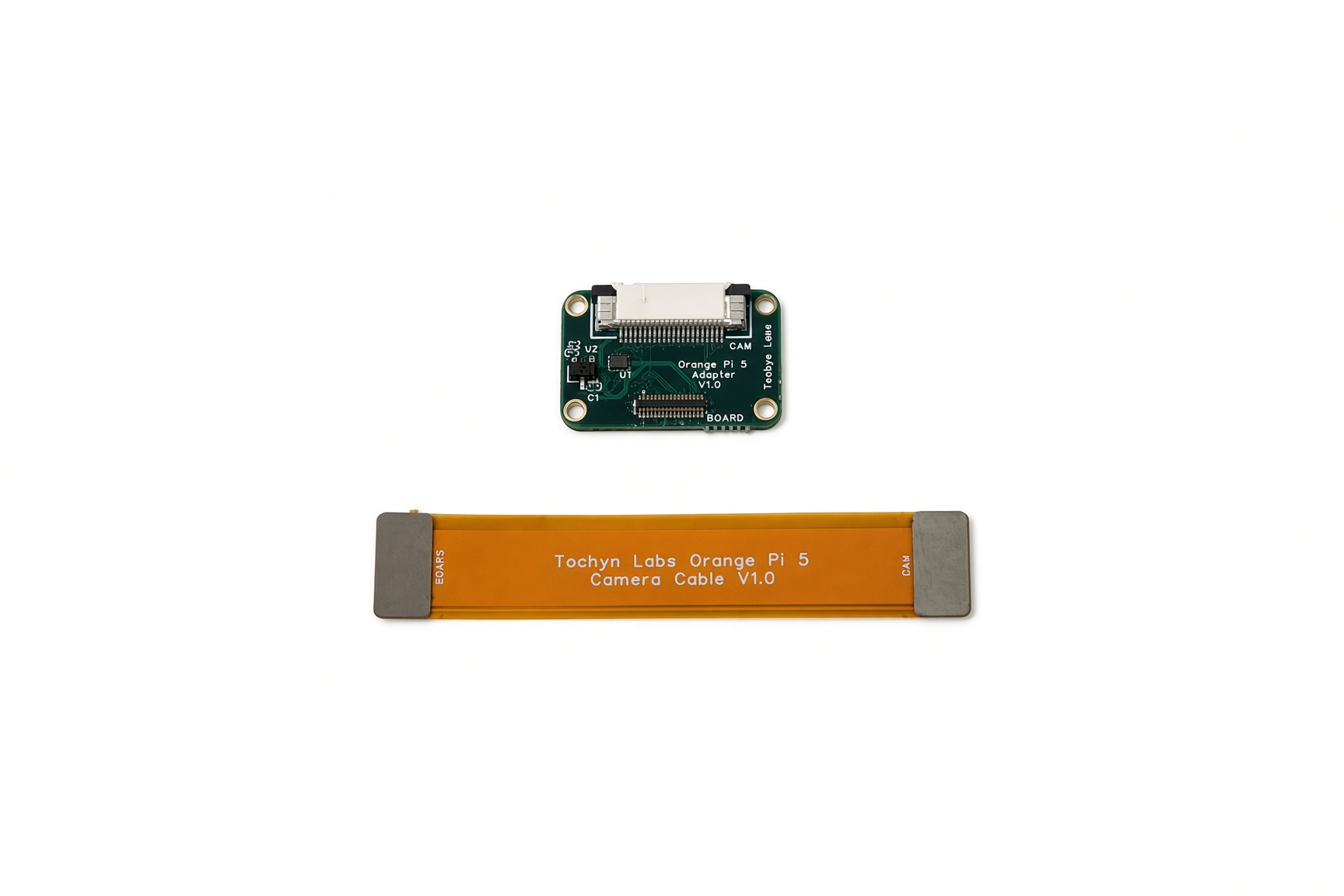
Camera Adapter Board + Orange Pi 5 FPC Cable. You supply: your camera and a 22-to-22 or 22-to-15 pin camera cable, depending on your camera.
Orange Pi 5 → Orange Pi 5 FPC cable (included) → Tachyn adapter → 22-pin or 22-to-15 pin FPC (yours) → camera
Installation
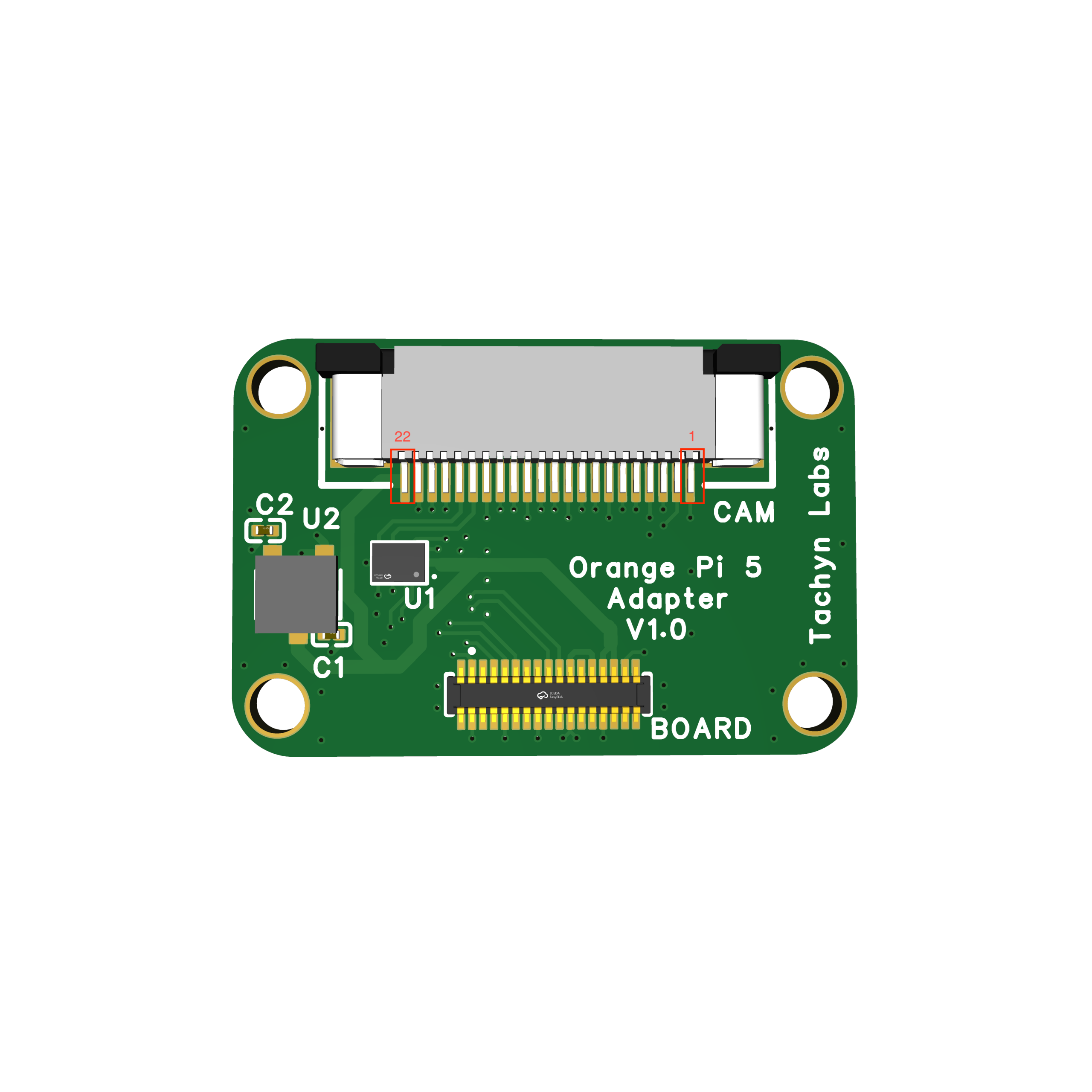
Pin 1 is top-right of the adapter, pin 22 top-left. FPC exposed contacts face upward. Full pinout is in the product photos.
Support: contact@tachynlabs.com Bulk: sales@tachynlabs.com Phone: (619) 800-6874
Warranty: replacement of defective boards only. Experimental hobbyist/maker product, not for safety-critical use.
Shipping: live carrier rates at checkout. Ships from Newark, CA.
Bulk pricing
10+: $13.50
50+: $12.75
100+: email sales@tachynlabs.com for a quote
Frequently asked questions
Will Raspberry Pi Camera Module v2 (IMX219) work on Orange Pi 5?
Yes, tested.
Does this work with HQ camera (IMX477)?
Yes, tested.
Which Orange Pi 5 boards?
5, 5B, 5 Plus, 5 Max, and 5 Pro. Ultra is not listed until the mezzanine is checked.
Do I need to solder?
No; the board and FPC are included.
What overlay?
See the setup guide; set your sensor and port in /etc/rk3588-camera/overlays.conf (for example, imx708,port1).
How fast is the link?
4-lane MIPI CSI-2, tested up to 2.3 Gbps per lane on all 4 lanes. The Tachyn Labs image ships with sensor configs around 2.1 Gbps per lane for IMX415 and about 2 Gbps for IMX708.
Looking for an Orange Pi 5 camera?
Orange Pi 5 boards support native OV13850 and OV13855 camera modules that plug into the 30-pin CSI connector directly. If you already have a Raspberry Pi camera, this adapter remaps the connector so you can reuse it instead.
Orange Pi 5 camera options: compare native modules with Raspberry Pi cameras and the adapter.
Additional information
| Weight | 0.125 lbs |
|---|---|
| Dimensions | 5 × 3 × 1 in |
1 review for Orange Pi 5 Camera Adapter
Only logged in customers who have purchased this product may leave a review.
Ricardo Trombetta (verified owner) –
I use a Raspberry Pi 4 with a C792 HDMI capture board, which features HDMI input and output and has two connections for the SBC: 15-pin (2 lanes) and 22-pin (4 lanes). Since the Raspberry Pi 4 csi-2 connection only supports 2 lanes, I bought an Orange Pi 5, which has a 4-lane bus but uses a different connector. That’s when I found this adapter! It allowed me to use the C792 capture board with the 22-pin (4-lane) connector on Debian Bookworm, achieving capture resolutions of up to 1920×1200 at 60Hz. It works perfectly!